
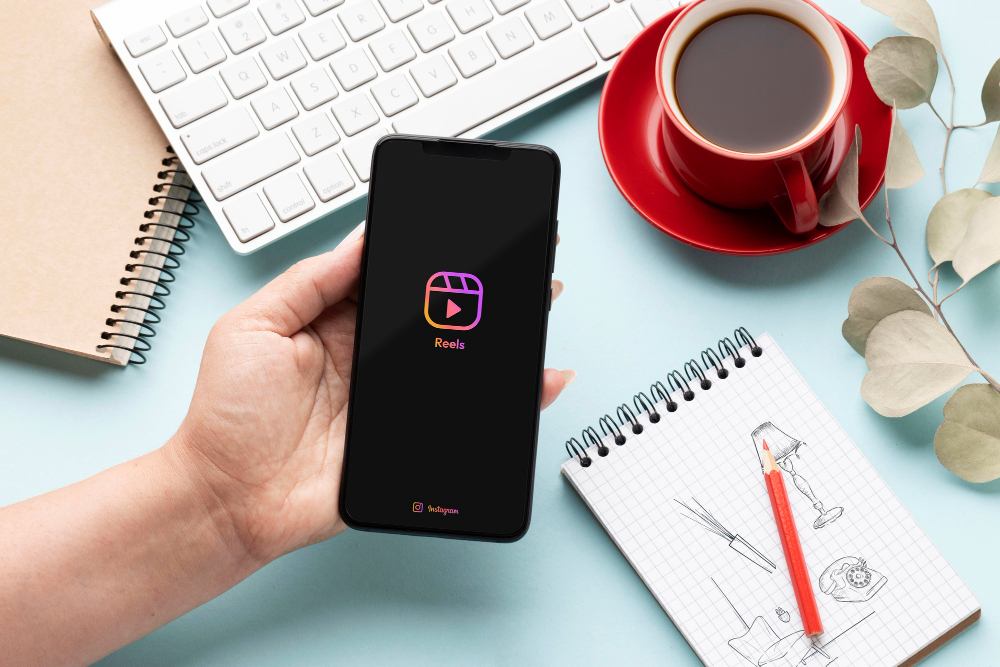
If you’ve ever wondered does instagram notify when you screenshot a story, you’re not alone. It’s one of the most common questions among Instagram users who want to save content discreetly.
Whether you’re capturing a funny moment, saving useful information, or sharing something with friends, knowing how Instagram handles screenshots is important. The good news is that the platform’s rules around screenshots are quite simple—and haven’t changed much in recent years.
In this guide, we’ll break down exactly when Instagram sends notifications (and when it doesn’t), along with some privacy tips to help you stay in control of your content.
Does Instagram Notify When You Screenshot a Story?
Let’s get straight to the point: No, Instagram does not notify users when you screenshot their Story.
You can take a screenshot of someone’s Story without them receiving any alert or notification. This applies to:
-
Public Stories
-
Private account Stories
-
Close Friends Stories
Stories disappear after 24 hours, which is why many users choose to screenshot them. Whether you want to revisit the content later or share it externally, you can do so freely without worrying about being detected.
When Does Instagram Send Screenshot Notifications?
Although you can screenshot most content without any issues, there are a few specific situations where Instagram does notify users.
1. Disappearing Photos or Videos in Direct Messages
If someone sends you a disappearing photo or video through Instagram Direct and you take a screenshot, they will be notified.
These messages are designed to be temporary, so Instagram alerts the sender to maintain privacy.
2. Vanish Mode Conversations
Vanish Mode is a feature where messages automatically disappear after being viewed.
If you take a screenshot while in Vanish Mode, Instagram will notify the other person in the chat.
What Is Vanish Mode?
Vanish Mode allows users to send temporary messages that disappear once they’ve been seen and the chat is closed. It’s often used for private or sensitive conversations, which is why screenshots trigger alerts in this mode.
Does Instagram Notify When You Screenshot a Profile?
No—Instagram does not notify users if you screenshot their profile.
You can capture:
-
Profile pages
-
Bios
-
Highlights
-
Grid posts
People often screenshot profiles to share them with others or save them for later reference. This can be especially useful when recommending accounts or discovering new brands.
If you don’t want to screenshot, you can also share a profile directly by copying or sending the link.
What About Other Instagram Content?
Here’s a quick breakdown of screenshot notifications across different types of content:
-
Stories → No notification
-
Posts → No notification
-
Reels → No notification
-
Profiles → No notification
-
Regular direct messages → No notification
-
Disappearing messages → Notification sent
-
Vanish Mode chats → Notification sent
So in most everyday situations, you can screenshot content without the other person knowing.
Privacy Tips for Instagram Users
Even though screenshots are mostly undetectable, there are still ways to protect your content and control who sees it.
1. Switch to a Private Account
By making your account private, only approved followers can view your posts and Stories. This reduces the risk of unwanted viewers.
2. Use the Close Friends Feature
You can limit Story visibility to a selected group of people. This is useful for sharing more personal content with trusted followers.
3. Restrict or Block Users
If you’re concerned about specific individuals, you can restrict or block them to prevent access to your content.
Important Note
While these methods improve privacy, they don’t stop approved followers from taking screenshots. Once someone can view your content, they can technically save it.
Beware of Third-Party Apps
Some apps claim to notify you when someone screenshots your content. These claims are misleading.
Instagram does not allow third-party apps to access this kind of data. Using such tools can put your account at risk, including potential security breaches or violations of platform policies.
It’s best to avoid these apps altogether.
Why People Screenshot Instagram Stories
There are many harmless reasons why users take screenshots, such as:
-
Saving useful tips or tutorials
-
Keeping memorable or funny moments
-
Sharing content outside Instagram
-
Collecting inspiration for posts like <a href=”#”>unique short captions for instagram</a>
Screenshotting is a normal part of how people interact with content on the platform.
Additional Instagram Tips
If you’re looking to improve your Instagram strategy beyond screenshots, understanding engagement patterns is key. For example, knowing the <a href=”#”>best time to post on instagram today</a> can help you reach more people and increase interaction on your content.
FAQs
Can someone see if I screenshot their Story?
No, Instagram does not notify users when you screenshot a Story.
Are screenshots ever tracked?
Only in disappearing messages and Vanish Mode chats.
Can apps detect screenshots?
No legitimate app can track Instagram screenshots.
Is it safe to screenshot content?
Yes, in most cases it’s completely safe and private.
Conclusion: Does Instagram Notify When You Screenshot a Story?
To sum it up, does instagram notify when you screenshot a story—the answer is no. You can screenshot Stories, posts, Reels, and profiles without triggering any notification.
The only exceptions are disappearing messages and Vanish Mode, where privacy is a priority and notifications are enabled.
Understanding these rules allows you to use Instagram more confidently—whether you’re saving content, sharing inspiration, or simply browsing.